Downloads
Download MaxiMind
The desktop app for Mac and Windows, MaxiMind Code for your terminal, and iPhone soon. One MaxiMind account signs you in everywhere.
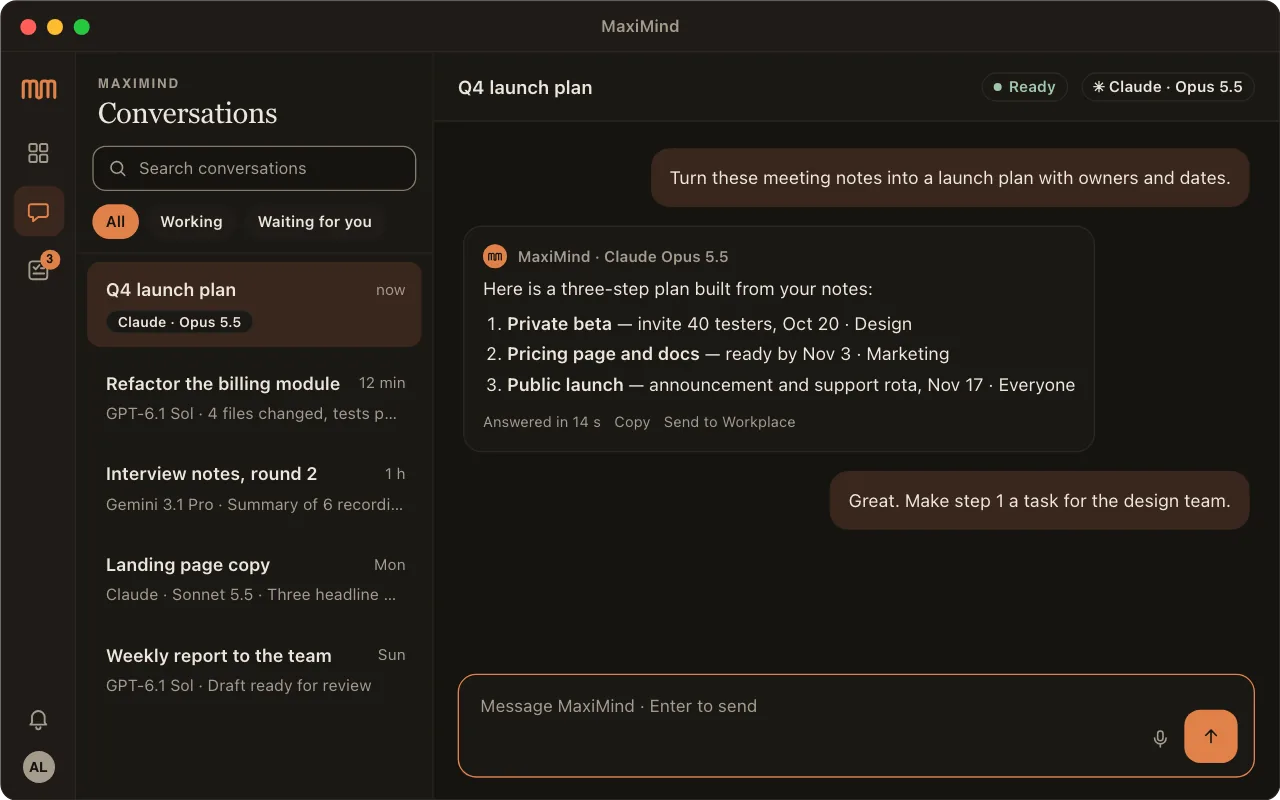
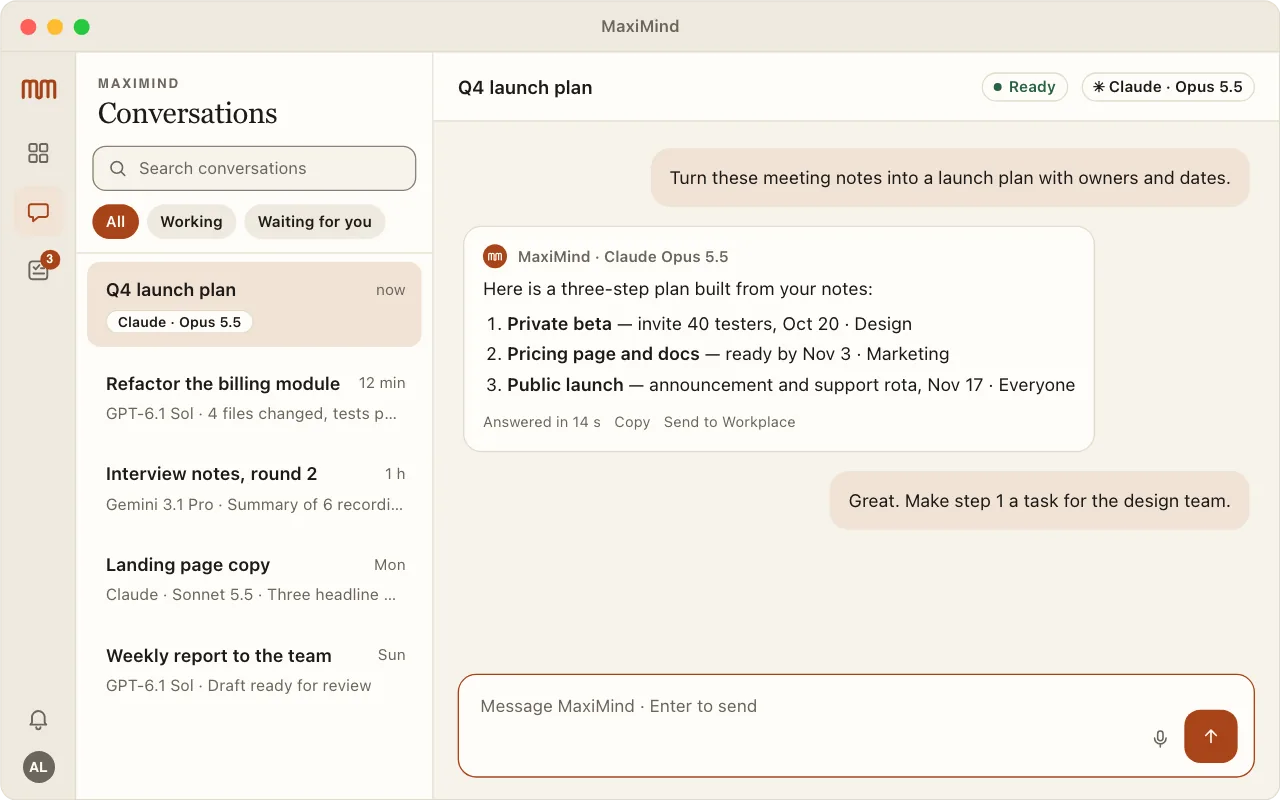 For your computer
MaxiMind for Mac
macOS 13 or later · Apple silicon and Intel · notarized by Apple
- Open the downloaded disk image and drag MaxiMind to Applications.
- Open MaxiMind and sign in with Google in your browser.
- Allow notifications and the microphone if you want alerts and voice.
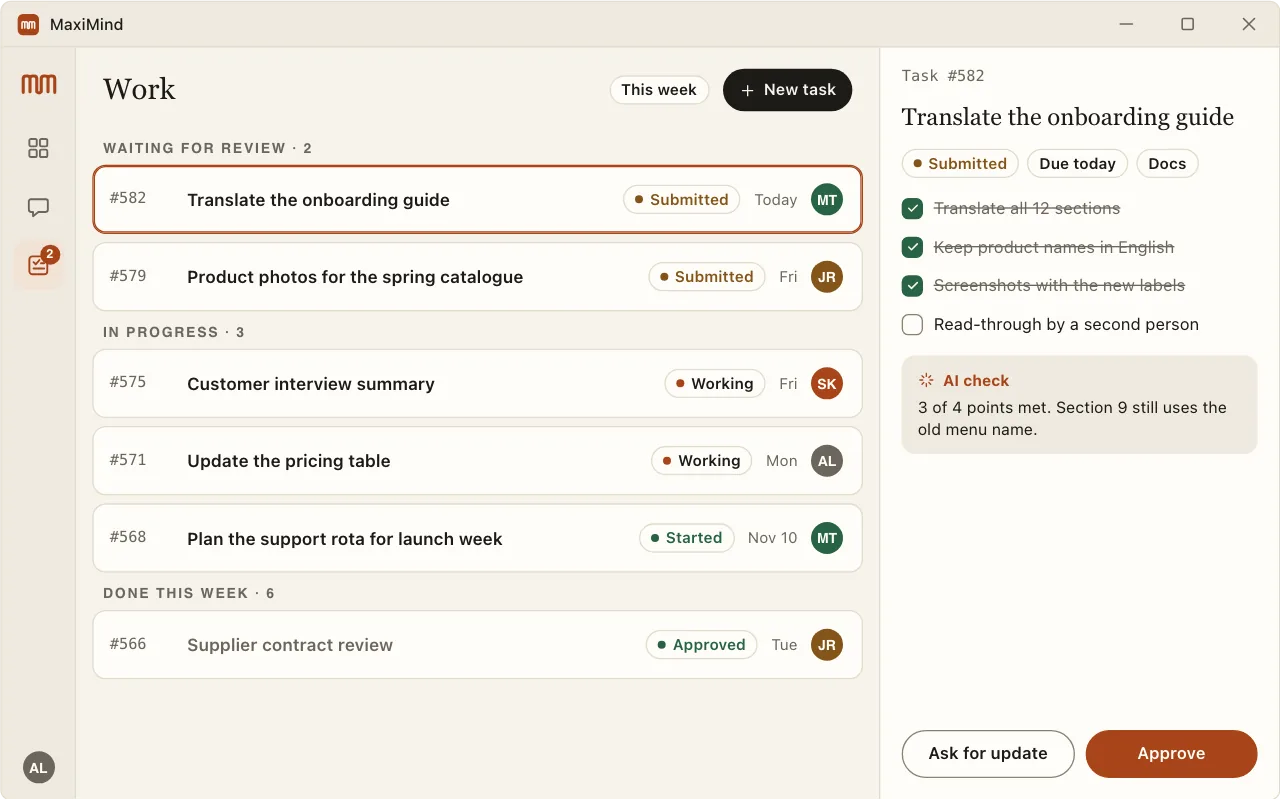 For your computer
MaxiMind for Windows Preview
Windows 11 x64 · preview build, not yet code-signed
1Windows protected your PCMicrosoft Defender SmartScreen prevented an unrecognized app from starting.
More infoDon't run
2Windows protected your PCApp: MaxiMind-…-setup.exe
Publisher: Unknown publisher
Run anywayDon't run
The preview is not code-signed yet, so Windows asks first. Click More info, then Run anyway. Check the SHA-256 below if you want to be sure.
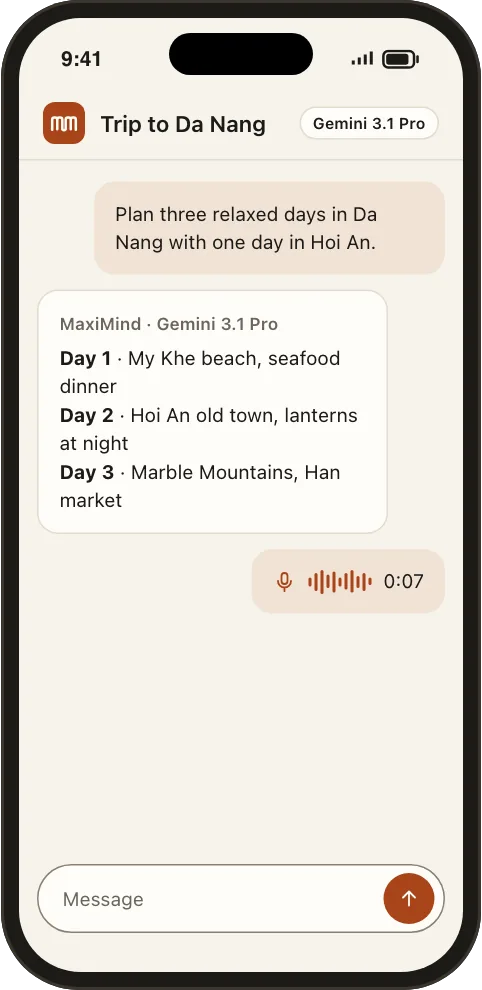 For your phone
MaxiMind for iPhone Coming soon
In testing now. It arrives on TestFlight first, then the App Store. Until then, MaxiMind Chat works in Safari.
Terminal
$ curl -fsSL https://maximind.dev/install/code/macos | sh
Verified: signature and SHA-256
$ maximind login
$ maximind
MaxiMind Code · claude/opus
›
MaxiMind Code
The coding agent for your terminal. macOS on Apple silicon; Windows 11 when it passes testing.
Check your download
Compare the SHA-256 on this page with the file you downloaded. They must match exactly.
Mac · Windows
# Mac (Terminal)
shasum -a 256 ~/Downloads/MaxiMind-*.dmg

# Windows (PowerShell)
Get-FileHash $HOME\Downloads\MaxiMind-*-setup.exe
What you need
| Account | A Google account. New accounts wait for the owner's approval. |
|---|
| Mac | macOS 13 Ventura or later, Apple silicon or Intel. |
|---|
| Windows | Windows 11 on x64. |
|---|
| Updates | The Mac app updates itself from a signed feed. |
|---|
Read the desktop app guide